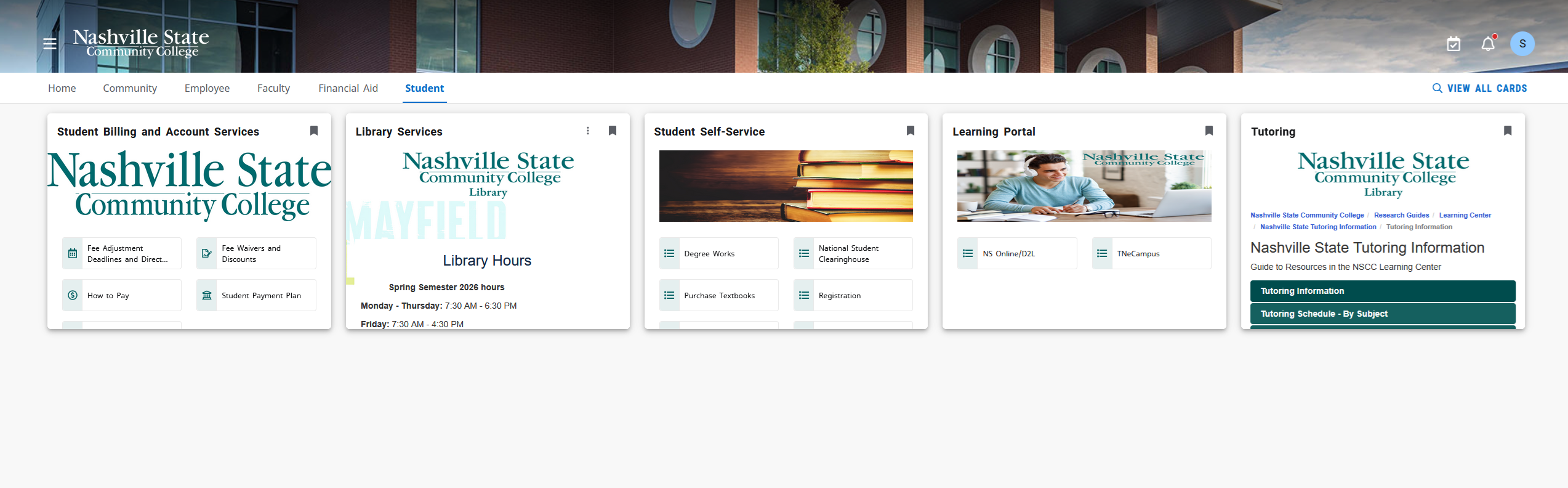
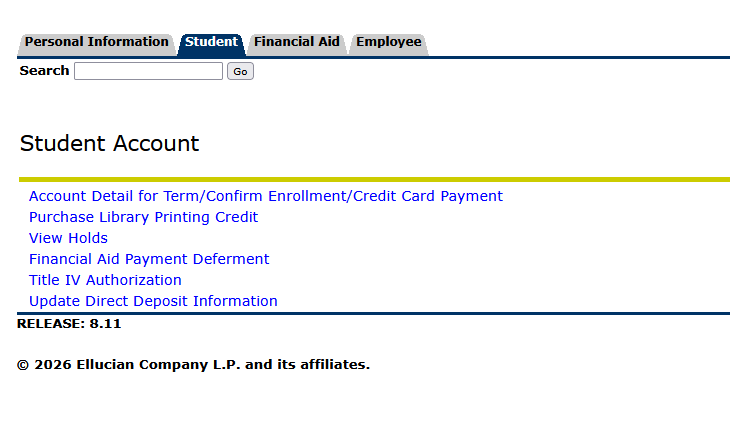
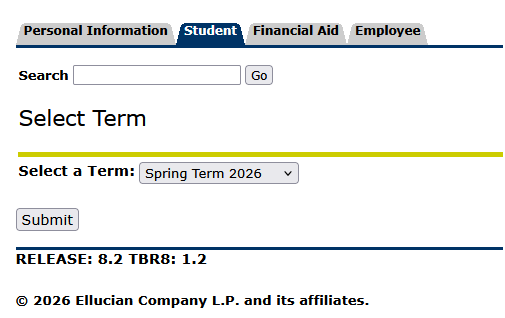
Pay tuition/fees Skip to main content How Can We Help? Search Pay Tuition/Fees 1. Navigate to https://my.nscc.edu and login.Click here for help logging in.2. Under the Student Self Service card click on Student Account 3. Click on “Account Detail for Term/Confirm Enrollment/Credit Card Payment” 4. Select the term5. Click SubmitDetails of your current account charges will be displayed on the next screen.6. Click the “Make a payment” link to make an online payment.
Pay Tuition/Fees 1. Navigate to https://my.nscc.edu and login.Click here for help logging in.2. Under the Student Self Service card click on Student Account 3. Click on “Account Detail for Term/Confirm Enrollment/Credit Card Payment” 4. Select the term5. Click SubmitDetails of your current account charges will be displayed on the next screen.6. Click the “Make a payment” link to make an online payment.